Create, edit, enhance and animate in Fenestra Studio

Shaun McCallum
April 13, 2026A complete guide to creating, editing and animating architectural visuals with Fenestra Studio

We’ve just shipped a pretty major update to Fenestra. If you’ve opened it recently and thought, “this looks powerful, but I’m not fully sure where to start” you’re not alone. A lot has changed. The layout is different, there are more tools, and you have much more control over what you can create. So alongside the update, we’ve completely reworked our documentation. The goal was to make it something you can actually follow and get results from, not just something you skim once. Check out all the documentation here: https://fenestra.app/documentation
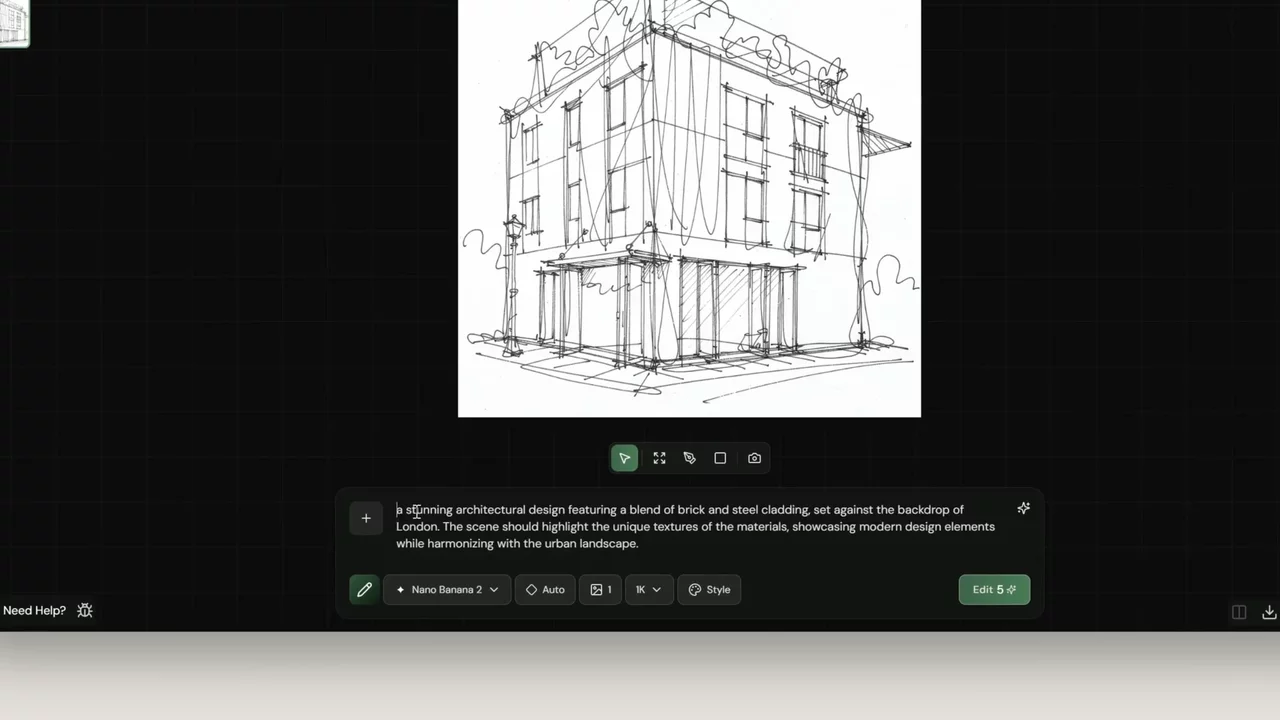
Sketch To Render
Inside, you’ll now find a mix of:
- short video walkthroughs for each tool
- real prompts you can reuse
- tutorials based on actual workflows
We’re also adding more over the next few days, along with live webinars.
Learn to work with 3D
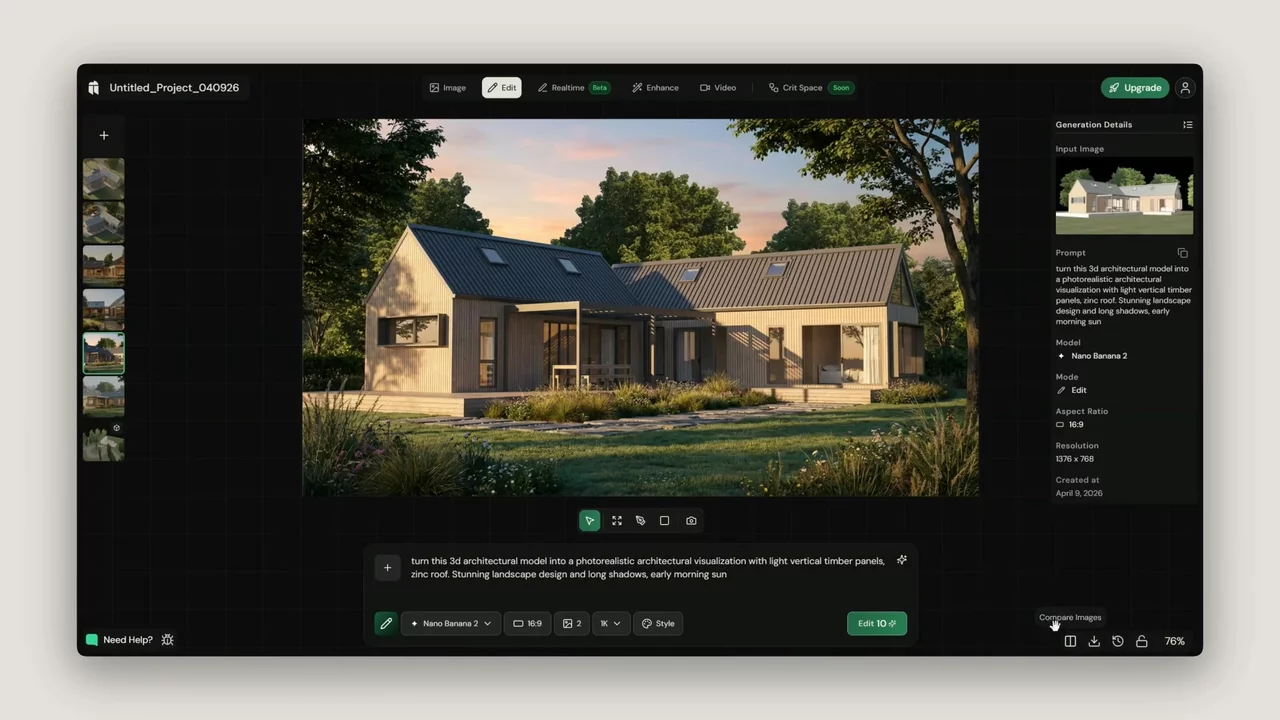
If you’re new, or still getting used to the interface, the best place to start is the quick start guide: https://www.fenestra.app/documentation/getting-started/quick-start
It walks through the basics of the UI and shows how to go from a simple sketch to a render using Edit Mode. It is the fastest way to understand how everything fits together.
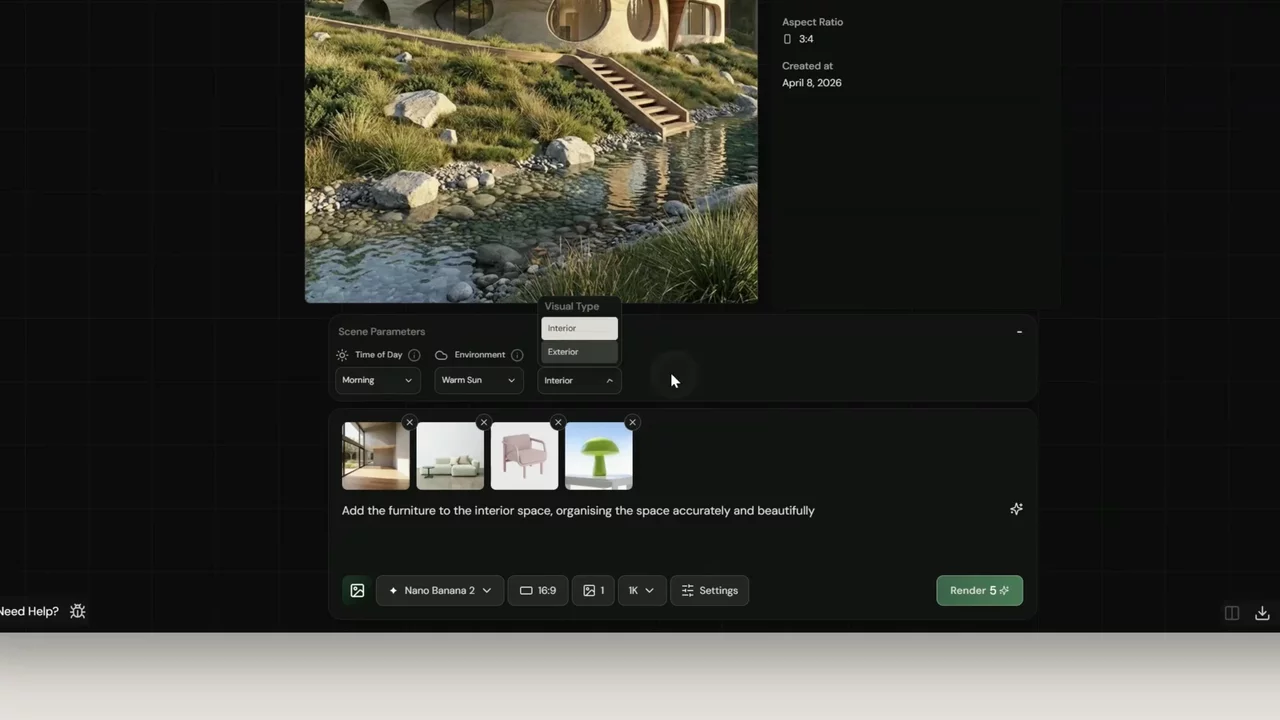
We’re also starting to organise things around real use cases. For example, if you’re working on interiors, we’ve put together a virtual staging tutorial that shows how to:
- use reference images properly inside Create Mode
- guide furniture and overall style
- get more consistent, usable outputs
Virtually Stage Any Interior
Get Started with Fenestra Studio!
Render Now!Related Articles

Crit Space is now open to everyone
Crit Space is now open to every Fenestra account. Generate renders, camera angles and video on one infinite canvas, then review the whole project with your team.

Flux 3 for Architecture and Interior Design
Flux 3 Image is live in Fenestra. Local edits that leave the rest of your render untouched, ten references in one frame, and native 4K for presentation boards.

Explore Early Design Ideas with Text to Render in Fenestra AI
From mood boards to finished concepts, Fenestra visualizes interior spaces instantly. Text to Render prompts with Nano Banana for materials and lighting.