How to create AI architectural reels for Facebook and Instagram

Shaun McCallum
August 11, 2026You don't need footage, a drone or a finished building. One render, a start frame, an end frame and a prompt will carry a reel.
Here is the whole method: generate or upload a render in 9:16, set it as the first frame of a video, optionally set a second image as the last frame, and let Seedance 2.0 animate the gap, sound included. The output is a vertical clip you post straight to Facebook or Instagram as a reel.
Everything below is about making that clip worth watching: construction transitions, day-to-night timelapses, material swaps and step-inside interiors, all from stills.
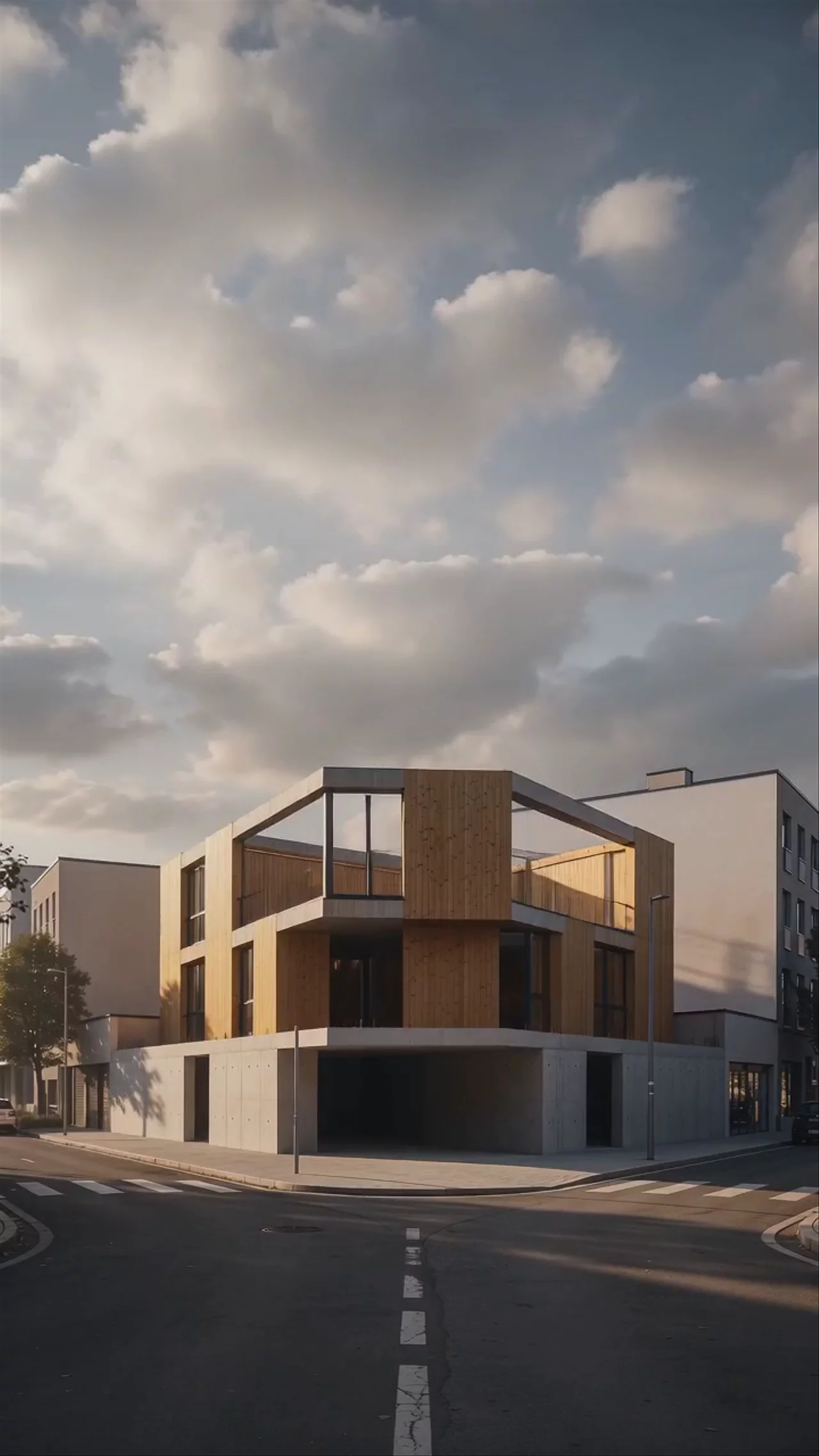
How to make an AI architectural reel in four steps
- Start vertical. Generate your render at 9:16 in Fenestra, or upload an existing image and reframe it. Don't crop a 16:9 render later; compose for portrait from the start
- Set your frames. Open the Video tool, set your image as the first frame. For a transition reel, add a last frame too: the same view at night, at a later construction stage, or in a different season
- Animate. Choose Seedance 2.0, describe the motion ("day to night timelapse, blurred movement of people, ambient street noise"), pick a duration between 5 and 15 seconds, and generate. Audio comes with it
- Post the file directly. The video follows your input image, so a 9:16 render gives you a 9:16 reel. No editor, no re-encoding, no cropping in the Meta app

If you'd rather see this as a product page than a tutorial, the AI architectural animation generator covers what the video tool does more broadly.
The construction reel: start frame to end frame
The strongest architectural content on social media has always been the before-and-after. Reels let you make it move.
Seedance 2.0 accepts a first and a last frame, and generates the transition between them. So does Hailuo 3, MiniMax's video model, if you want the morph at 2K. Either way, a pair of images becomes a construction story:
- Site photo → finished render. Photograph the plot or the shell as it stands today, then set your render of the completed scheme as the last frame. The reel shows the building arriving on its real site
- Sketch → render. First frame is your line drawing or massing sketch, last frame is the photorealistic version. This one performs because it shows how you work
- Shell → fit-out. For interiors: the stripped room as the first frame, the finished space as the last
One thing matters more than the prompt: the two frames need to share a camera. Generate the end frame from the start frame inside Fenestra — edit the materials, lighting or completeness of the same image — rather than rendering the end state separately. If the perspective matches, the transition reads as time passing. If it doesn't, it reads as a cut. Then hold the model to it in the prompt as well — every clip in this post starts with "maintain the camera position".


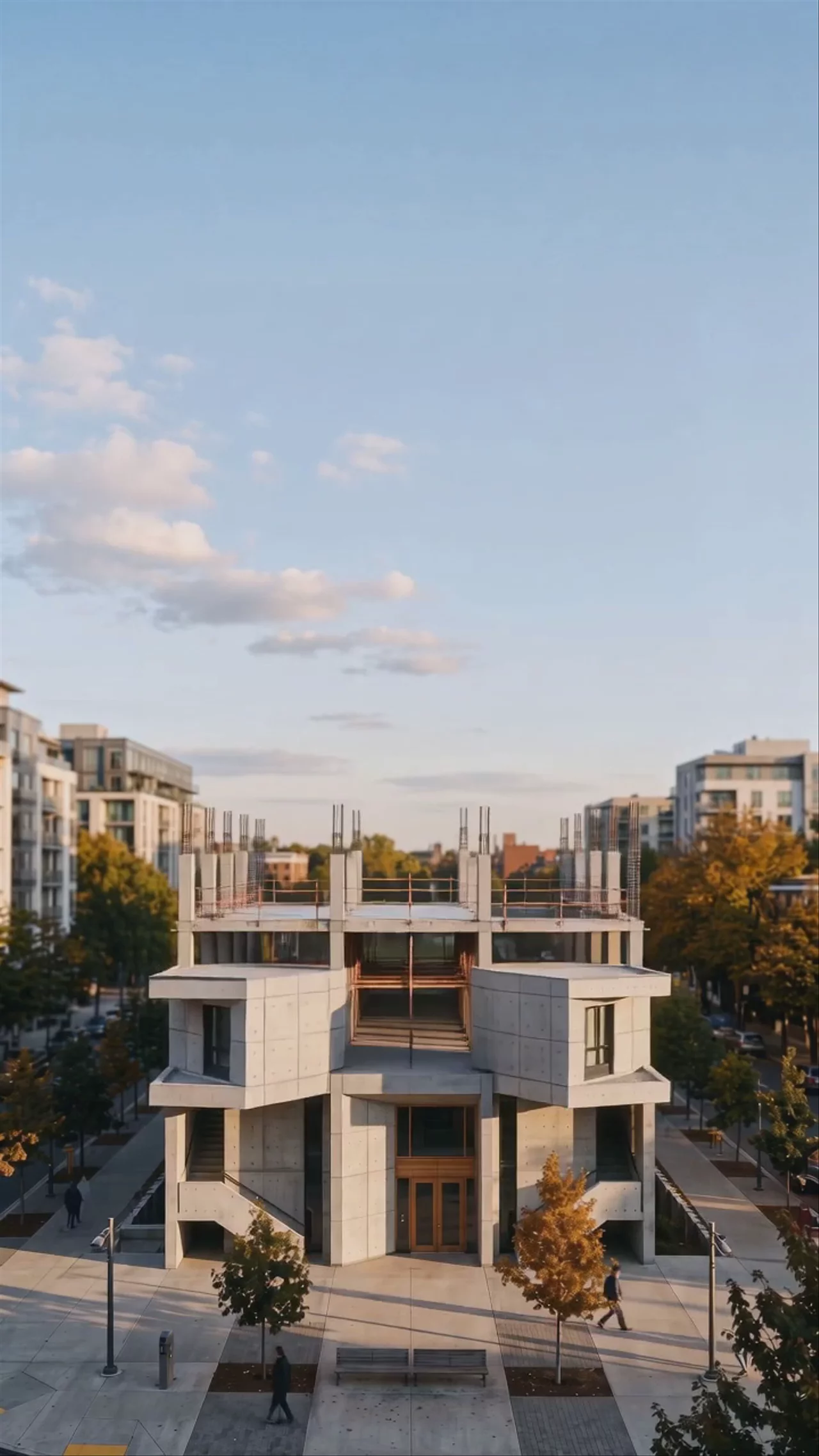
It works at masterplan scale too. The same trick with an empty park strip as the first frame and the completed tower as the last:
For the sketch → render version, any drawing style works as the first frame. Here's the same street view as a stipple illustration and as the final render:


Four more reels from images you already have
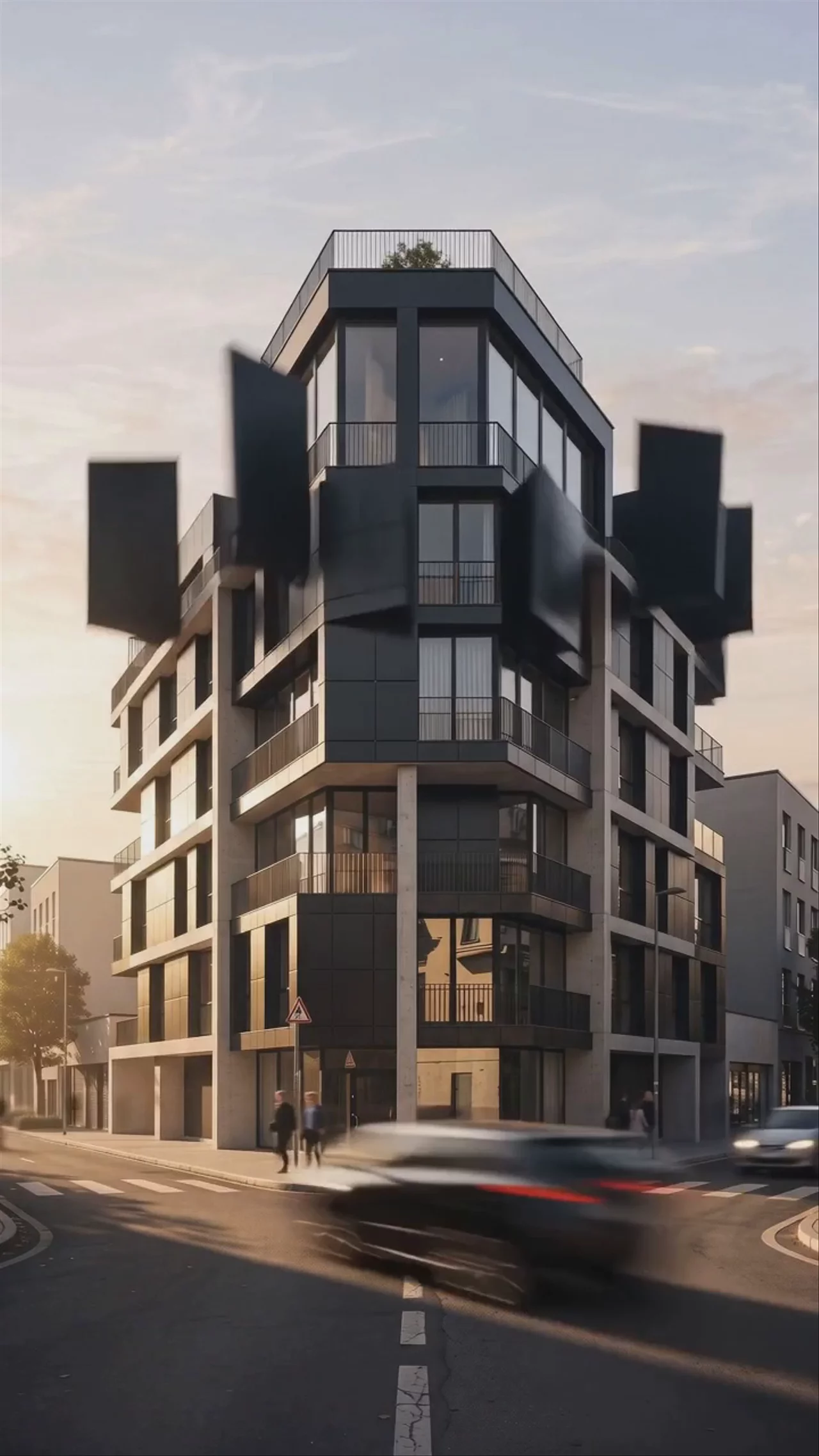
Day to night. One prompt does it: "day to night timelapse transition with quick blurred movements of people, subtle background noise and chatter as time passes." Lit windows at dusk do more for a facade than any caption will. The frame pair shares camera and geometry; only the hour changes:

Material swaps. Set the same view in two claddings and let the reel morph between them. Clients get option A and option B in ten seconds, and the geometry never moves:

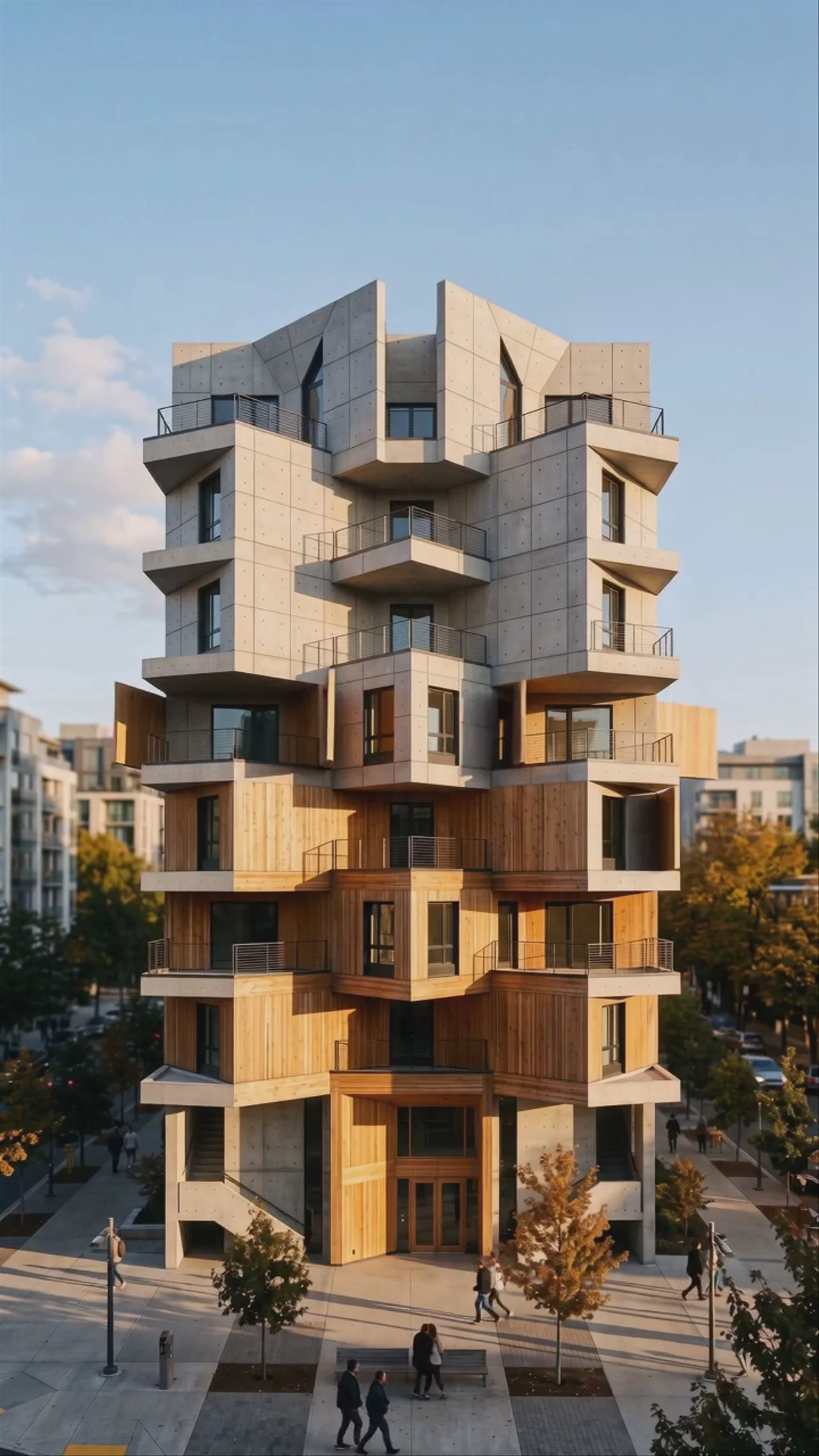
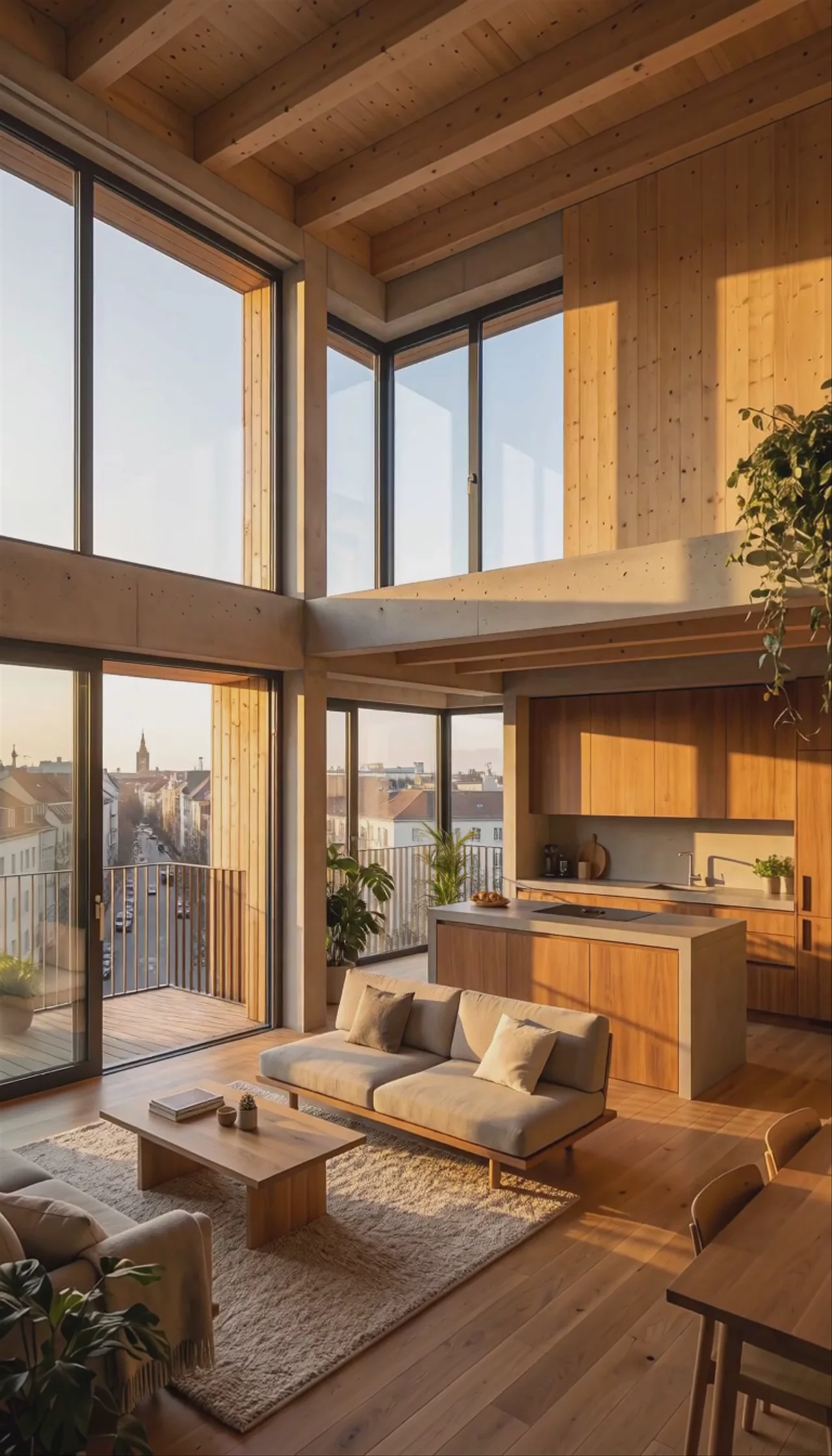
Step inside. First frame outside, last frame in the living room. The jump from street to interior is the closest a reel gets to a site visit:
Weather and seasons. Same building, different weather, different story. Summer to snow is the obvious one; a rain pass with wet reflections is less common in feeds and stops the scroll for exactly that reason. For camera direction inside these clips, the full guide to interior and architectural animations covers it model by model.
A trick for loops: set the same image as first and last frame, and prompt only for what changes in between — people passing, clouds moving, light shifting. Reels autoplay on repeat, and a clip that ends where it began loops without a visible seam.
Which model to use
- Seedance 2.0 — the default for a finished reel. Best prompt adherence, context-aware audio, and the full 4–15 second duration range
- Seedance 2.0 Fast — for finding the right movement. Generate three or four variations quickly, then re-run the winner on Seedance 2.0
- Seedance 2.0 Mini — quick motion tests. Note that Mini treats your end frame as a guide rather than a target, so for construction transitions that must land exactly on the finished render, use Seedance 2.0 itself
- Hailuo 3 (MiniMax H3) — first and last frames at 2K, and my favourite for the construction morph when it needs to hold up beyond a phone screen. It doesn't generate audio, so add sound in the Meta editor or save it for visual-led clips
- LTX 2.3 — when you want more resolution with audio, it renders 9:16 natively at up to 4K, also with a last-frame option
Video models keep improving. ByteDance announced Seedance 2.5 in June, and testing each new release on architectural and interior work is part of what Fenestra does — when new Seedance models land, they appear in the same model selector.
Posting notes for Facebook and Instagram
Short ones. Reels reward the first second, so lead with the transition, not a title card. Keep clips in the 5–12 second range; a 10-second construction morph outperforms a 30-second tour. Use the generated audio rather than trending music; ambient sound from the actual scene reads as craft. And post the vertical file natively instead of linking out to YouTube, because Meta's reach favours native uploads.
When a reel isn't enough
A reel is the hook. When someone from that audience becomes a client, the same animations and renders can carry a full presentation, including a scrolling website built around your project that a planning committee or client moves through at their own pace.
Make your first reel→
Animate Now!Related Articles

Bring Back Drawings, Not Just Photos
Turn your own projects, or the buildings you photograph on site visits and study trips, into pen, doodle, watercolour and rubber stamp studies. Four prompts, one consistent visual language.

How to Make an Architectural Walkthrough From a Single Render
Make a walkthrough video from one render, photo or sketch. Pick the camera move, get an MP4 back in minutes, and skip the 3D scene and the render farm.

AI Interior and Architectural Animations in 4K
Bring your ideas to life in stunning 4K with Fenestra - the easiest way to create and enhance AI-powered architectural animations.
 AI rendering software for architects. Turn sketches, CAD drawings and 3D models into photorealistic renders and animations, in your browser.