Crit Space early access: join the waitlist

Shaun McCallum
September 29, 2026A board for the whole project, opening to a small group first.
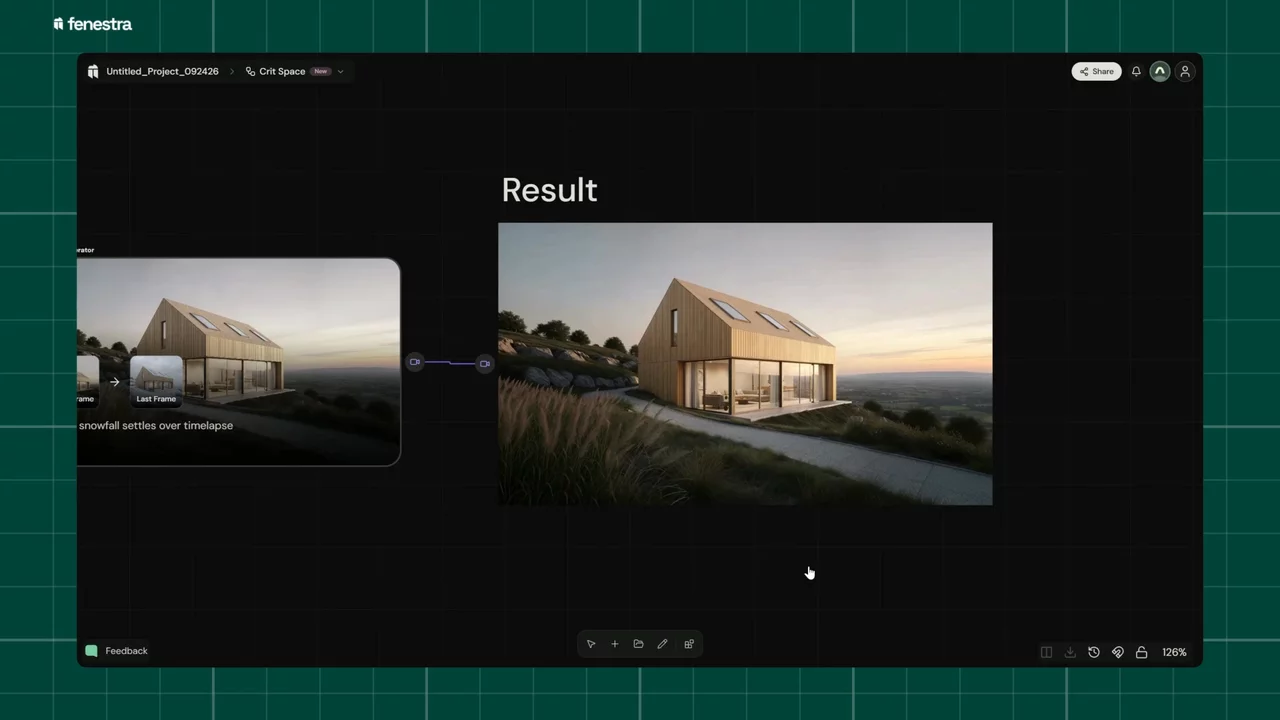
Most projects run to twenty options before the final render, plus the sketch they started from, a clip for the client and notes someone scribbled over the top.
Crit Space is an infinite canvas in Fenestra that holds all of it in one place. It's named after the studio crit, where you pin the work up, stand back and talk about it. We're opening early access to a small group first.
Want early access?
Leave your email and we'll let you know when Crit Space is on for your account.
What is Crit Space?

Studio, the Fenestra you use today, works one render at a time. Crit Space lays everything out on one canvas instead:
- Renders, variations, video and sketches side by side, so every option for a project is in view at once
- Compare two versions directly instead of flicking between tabs
- Draw and annotate on the board to mark up what should change before you generate the next version
- Pick up where you left off, because the board stays as you left it, project by project
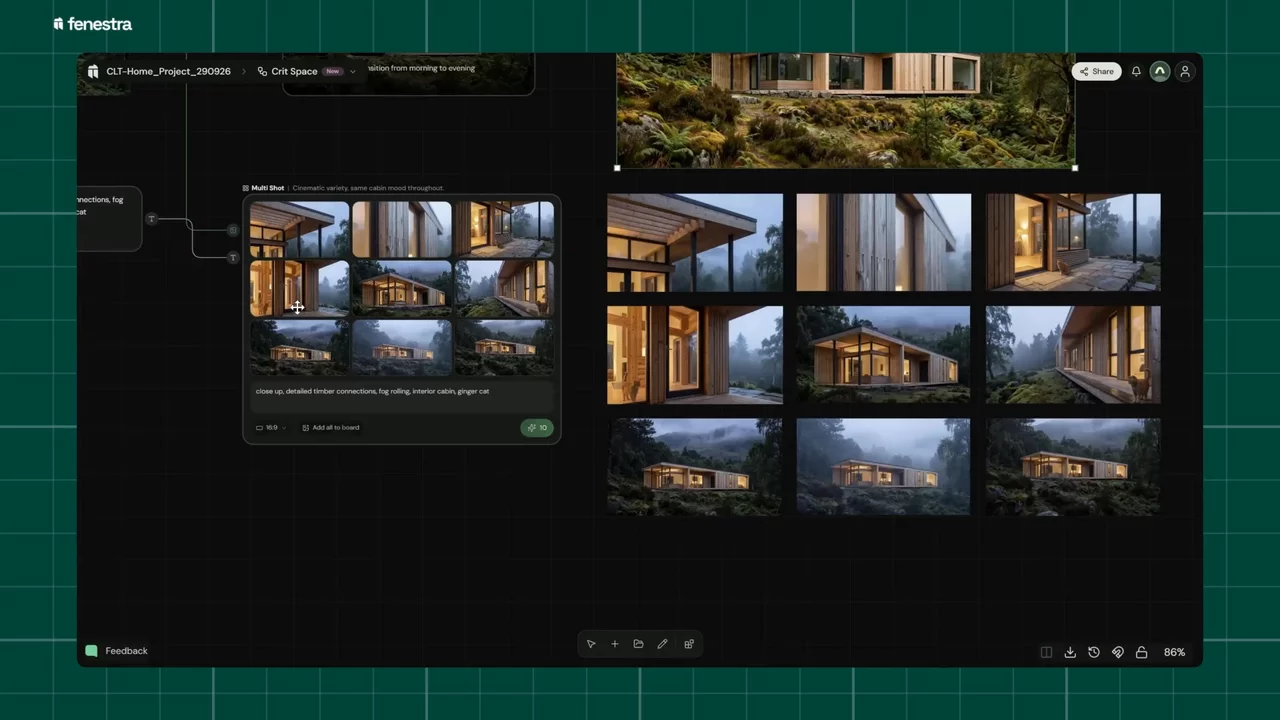
Who is it for?
It's useful on your own, because choosing is faster when you can see every option. It gets more useful when someone else needs to see the work. You'll be able to bring the people you work with onto the same board, and share a link so a client can see where the project is.
This is one of those links, embedded. Move around it the way a client would.
We'd like to know who that is for you. The waitlist asks one optional question: who works on your projects with you? The answer helps us decide who gets access first and what to build next.
How does early access work?
We're turning Crit Space on a few accounts at a time. Join the waitlist and we'll email you when yours is on. Studio carries on exactly as it is in the meantime.
Join the Crit Space waitlist
We'll email you when Crit Space is on for your account.
Related Articles

Bring Back Drawings, Not Just Photos
Turn your own projects, or the buildings you photograph on site visits and study trips, into pen, doodle, watercolour and rubber stamp studies. Four prompts, one consistent visual language.

How to Make an Architectural Walkthrough From a Single Render
Make a walkthrough video from one render, photo or sketch. Pick the camera move, get an MP4 back in minutes, and skip the 3D scene and the render farm.

Create spatial environments from a single image
Marble Mini and Marble Plus by World Labs in Fenestra. Turn one image into an explorable 3D environment for design, testing and spatial storytelling.
 AI rendering software for architects. Turn sketches, CAD drawings and 3D models into photorealistic renders and animations, in your browser.